
5 Tools for Email Infrastructure Monitoring
Explore top tools for monitoring email infrastructure and ensuring deliverability in 2025, from setup to ongoing performance management.


Email infrastructure monitoring is critical in 2025 as 21% of legitimate marketing emails fail to reach inboxes due to technical issues. Tools like Icemail.ai, GlockApps, Mailgun Optimize, Mailtrap, and MxToolbox help businesses ensure emails land in inboxes, not spam folders. These tools monitor SPF, DKIM, DMARC protocols, domain/IP reputation, and blacklist status. Some also provide real-time inbox placement tests, spam trigger identification, and automated alerts for declining reputation or authentication issues.
Here’s a quick summary of the five tools:
- Icemail.ai: Focuses on cold email infrastructure with bulk mailbox management, one-click authentication setup, and pre-warmed mailboxes. Pricing starts at $2.50/mailbox.
- GlockApps: Specializes in deliverability monitoring and spam testing with real-time tracking and blacklist monitoring. Plans start at $49/month.
- Mailgun Optimize: Combines pre-send testing with real-time analytics, ideal for high-volume email campaigns. Pricing starts at $49/month.
- Mailtrap: Offers a secure sandbox for email testing and debugging, perfect for developers and QA teams. Plans start at $12.99/month.
- MxToolbox: Provides DNS diagnostics and blacklist monitoring, suited for IT teams managing email security. Free basic plan; advanced plans from $129/month.
Quick Comparison
| Tool | Focus Area | Starting Price | Best For |
|---|---|---|---|
| Icemail.ai | Cold email infrastructure | $2.50/mailbox | Agencies scaling outreach |
| GlockApps | Deliverability monitoring | $49/month | Marketers diagnosing issues |
| Mailgun Optimize | Pre-send testing & analytics | $49/month | High-volume email senders |
| Mailtrap | Email testing & debugging | $12.99/month | Developers, QA teams |
| MxToolbox | DNS & blacklist monitoring | Free/$129/month | IT administrators |
Each tool addresses different needs, from proactive infrastructure management to post-send diagnostics. Choose based on your goals, technical expertise, and budget.
Mastering Email Deliverability in 2025 The Top Tools You Need
1. Icemail.ai
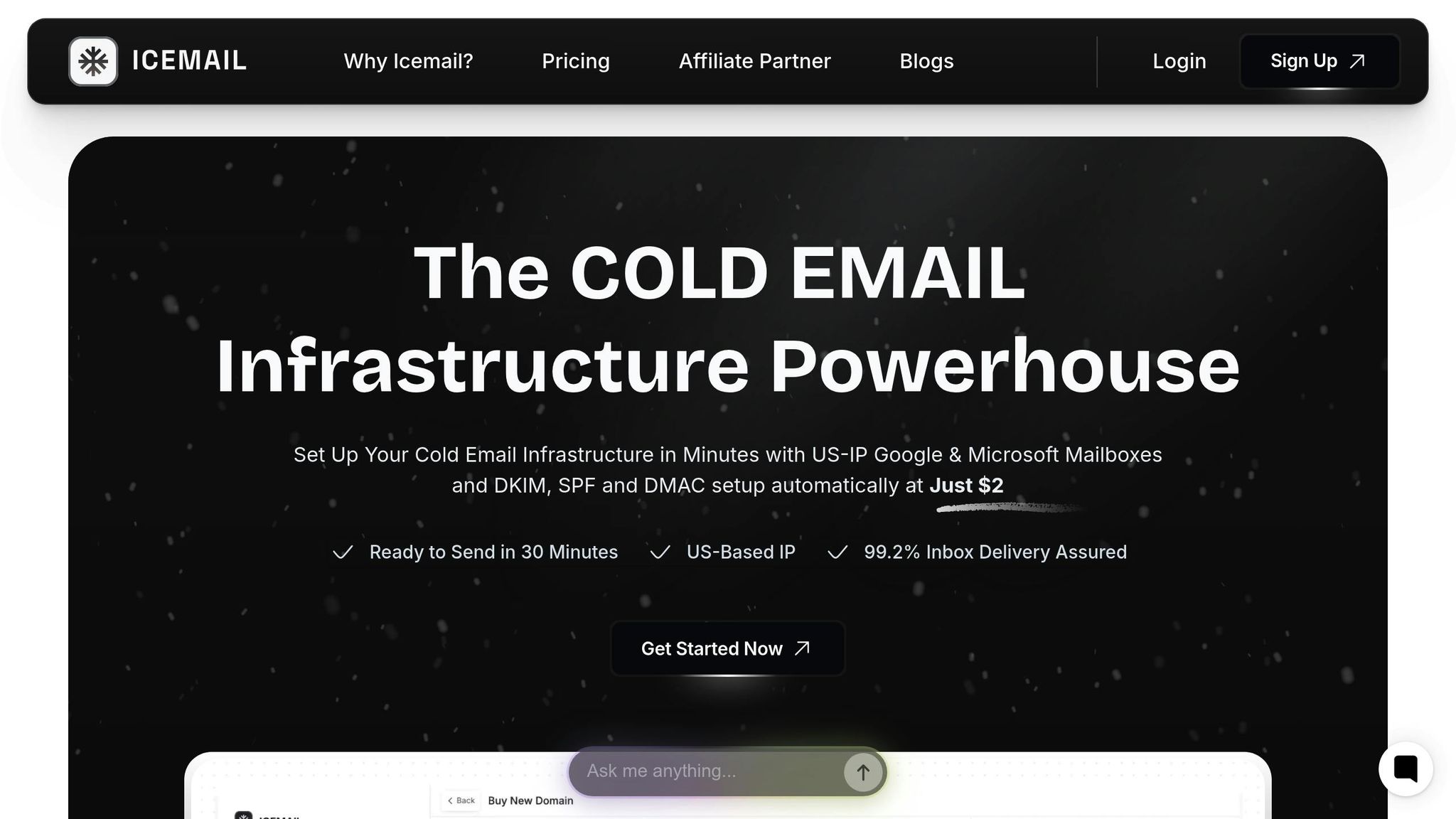
Icemail.ai is a cold email infrastructure platform designed to tackle deliverability challenges at their root. Instead of focusing solely on monitoring tools that react to problems, this platform prioritizes proactive infrastructure optimization. By addressing potential issues before they arise, Icemail.ai ensures smoother email operations, saving users from the headaches associated with deliverability mishaps.
One of its standout features is its ability to handle bulk mailbox purchases for Google Workspace and Microsoft accounts at highly competitive rates. For example, Google Admin mailboxes are priced at just $2.50 per month, while Microsoft mailboxes cost $3.00 per month - a significant savings compared to competitors that charge up to $5.00 per mailbox.
Authentication/DNS Setup and Management
Icemail.ai simplifies the technical complexities of email authentication with its automated setup tools. Key features include one-click configuration for SPF, DKIM, and DMARC records, removing the need for manual adjustments.
"Icemail.ai revolutionized my email management. The automated setup for Google Workspace accounts, including DKIM, SPF, and DMARC configuration, saved me hours of work." - Suprava Sabat, @AcquisitionX
The platform also boasts an AI-powered domain finder and instant domain setup, enabling users to connect existing domains or establish new ones effortlessly. With automated DNS management, including updates for Cloudflare-managed domains, users can scale campaigns without worrying about misconfigured authentication protocols.
Another standout feature is the use of dedicated workspace accounts for each domain. This approach enhances organization and minimizes the risk of cross-contamination between campaigns. Additionally, Icemail.ai offers unlimited free mailbox replacements, ensuring users aren’t burdened by the costs of compromised accounts.
Blacklist and IP Reputation Management
While Icemail.ai doesn’t include traditional blacklist monitoring dashboards, it excels in preventative measures to safeguard sender reputation. The platform provides pre-warmed mailboxes that establish trusted sending patterns from the start, significantly reducing the risk of blacklisting for new accounts.
Users can also select from US/EU IP accounts, aligning their campaigns with regional audiences and compliance standards. This geographic flexibility helps maintain a strong sender reputation, ensuring reliable deliverability across different regions.
Pricing (in USD)
Icemail.ai offers a pay-as-you-go pricing structure with transparent rates and comprehensive infrastructure support:
- Google Admin Mailboxes: $2.50/month
- Pre-warmed Google Mailboxes: $5.00/month
- Microsoft Mailboxes: $3.00/month
- IMAP/SMTP Mailboxes: $0.50/month
Every pricing tier includes automated authentication setup, unlimited mailbox exports, domain management, and live support. With a 10-minute onboarding process and the promise of being “ready to send in 30 minutes,” Icemail.ai is an ideal choice for agencies and businesses looking to scale quickly without the hassle of complex technical configurations.
2. GlockApps

While Icemail.ai focuses on optimizing your email setup ahead of time, GlockApps steps in to monitor your email deliverability as it happens. It’s a specialized tool for email deliverability monitoring, designed to pinpoint exactly where your emails end up - whether that’s the inbox, spam folder, or somewhere else entirely. Unlike platforms that zero in on infrastructure, GlockApps shines with its real-time tracking and detailed reporting, helping you catch and resolve deliverability problems before they harm your sender reputation.
This tool is popular among email marketers, consultants, and professionals in industries like banking, ISPs, and software development. Its intuitive interface makes it approachable for beginners while still offering the depth advanced users need. By focusing on post-send analysis, GlockApps complements tools like Icemail.ai, giving you a fuller picture of your email performance.
Inbox Placement Monitoring
GlockApps uses seedlist testing to check if your emails are landing in inboxes, spam folders, or being outright blocked. It provides actionable insights across major email providers like Gmail, Outlook, and Yahoo.
At EmailTooltester, GlockApps uncovered that a campaign’s emails were hitting Gmail’s spam folder due to a missing DKIM authentication. After correcting the DKIM setup as recommended by GlockApps, inbox placement improved significantly, leading to higher open rates and better campaign results.
The platform generates clear, detailed reports that break down deliverability rates by provider, making it easier to identify patterns and problem areas. You can even set up automated tests for continuous monitoring - especially useful if you manage your own SMTP servers and want to streamline these checks.
Blacklist and IP Reputation Checks
GlockApps also keeps an eye on your sending IPs and domains, monitoring them against more than 50 major blacklists. If your IP or domain appears on any blacklist, the tool sends real-time alerts so you can address the issue before it impacts your campaigns.
One standout feature is the Gappie bot, which delivers instant domain or security alerts via Telegram or Slack. This ensures you can act quickly, catching problems before they escalate and damage your deliverability.
Additionally, the tool tracks your reputation scores and offers tips on maintaining good standing with major email providers. This helps you sidestep costly mistakes that could result in your domain being blacklisted.
Authentication/DNS Setup and Management
GlockApps monitors key email authentication protocols like SPF, DKIM, and DMARC, ensuring your emails pass critical authentication checks. If there’s a misconfiguration, the platform provides clear, step-by-step guidance to fix it.
The DMARC Analyzer feature sends weekly and monthly updates, helping you stay on top of your authentication and security settings. This ongoing monitoring ensures your setup remains secure and functional as your email volume grows.
One of GlockApps’ strengths is its ability to flag when authentication protocols aren’t working correctly, along with actionable recommendations to resolve these issues.
Pricing (in USD)
GlockApps offers straightforward, flexible pricing plans tailored to different usage needs:
| Plan | Price/Month | Email Validations | Inbox Placement Tests | Email Previews | Additional Features |
|---|---|---|---|---|---|
| Pilot | $49 | 2,500 | 25 | 500 | Basic monitoring |
| Starter | $99 | 5,000 | 50 | 1,000 | Spam trap monitoring, blocklist monitoring, Google Postmaster Tools integration |
For those looking to try before committing, GlockApps includes free monthly spam tests and a domain checker - ideal for small businesses and startups testing the waters.
If you need extra help, GlockApps also provides consulting services for troubleshooting deliverability issues. However, these services come at an additional cost beyond the subscription fees.
3. Mailgun Optimize
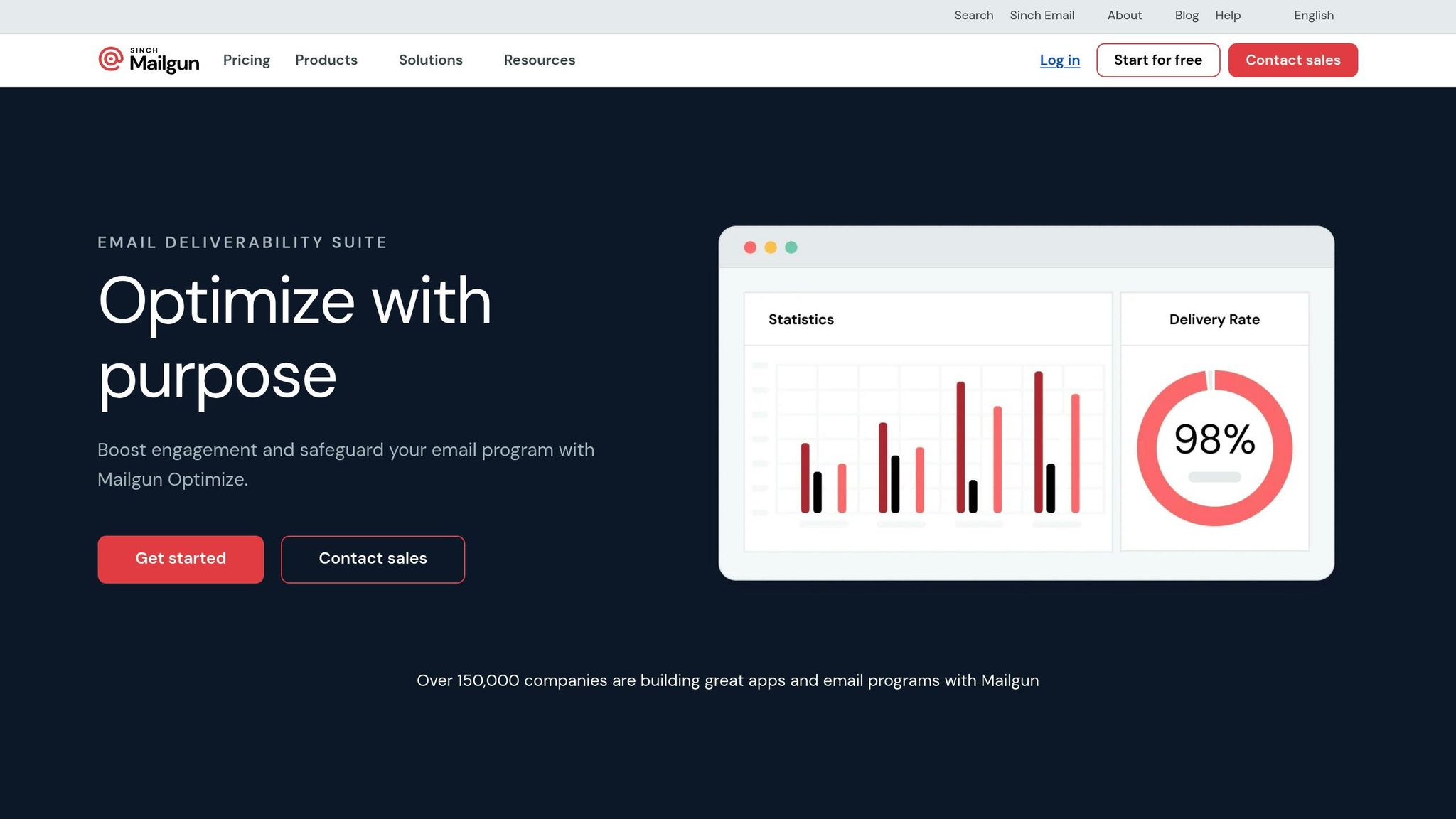
Mailgun Optimize is designed to bridge the gap between proactive email setup and post-send analytics. It pre-tests emails and monitors deliveries, helping you catch potential issues early while keeping an eye on ongoing performance.
This tool is particularly suited for businesses and developers who want a deeper integration with their email infrastructure. When paired with Mailgun's email API, it offers a seamless experience, combining proactive testing with real-time monitoring. It's a great option for organizations managing high-volume email campaigns.
Inbox Placement Monitoring
One of the standout features of Mailgun Optimize is SmartDelivery, which pre-tests your emails before sending. It identifies deliverability issues in advance, offering fixes to improve performance.
SmartDelivery generates real-time reports across major providers and includes a built-in spam and readability checker. This feature flags potential issues and provides actionable recommendations.
For instance, a US-based e-commerce company using SmartDelivery discovered their promotional emails were landing in spam folders due to missing DKIM records and flagged content. By leveraging the platform's authentication tools and content suggestions, they boosted their inbox placement rate by over 20% in just two weeks.
In addition to improving inbox placement, SmartDelivery helps protect your sending reputation, ensuring your emails consistently reach their intended audience.
Blacklist and IP Reputation Checks
Mailgun Optimize also includes automated blacklist and IP reputation monitoring. It continuously scans major blacklists for your sending IPs and sends instant alerts if any issues are detected. This allows you to address problems before they disrupt your campaigns.
The platform goes beyond simple blacklist checks by tracking your sender reputation scores and offering actionable insights to maintain good standing with email providers. This can save you from costly errors, like having your domain or IP flagged.
One particularly valuable feature is its integration with Google Postmaster Tools, which provides detailed insights into how Gmail handles your emails. This data, often hard to access through other tools, gives you a clearer picture of your email performance with Gmail users.
Authentication/DNS Setup and Management
Mailgun Optimize simplifies the setup and monitoring of SPF, DKIM, and DMARC authentication records. Unlike tools that merely verify their existence, it actively monitors these records for changes and sends alerts when authentication issues arise.
The platform's DMARC Analyzer offers periodic digests to ensure your authentication remains intact. It also provides easy-to-follow setup guides, making it accessible even for users without extensive technical knowledge.
For those already using Mailgun's email infrastructure, this feature becomes even more streamlined. Managing authentication directly within the same ecosystem saves time and reduces the complexity of handling these records separately.
Pricing (in USD)
Mailgun Optimize offers two pricing tiers, both of which include a one-month free trial:
| Plan | Price/Month | Email Validations | Inbox Placement Tests | Email Previews | Additional Features |
|---|---|---|---|---|---|
| Pilot | $49 | 2,500 | 25 | 500 | Basic monitoring |
| Starter | $99 | 5,000 | 50 | 1,000 | Spam trap monitoring, blacklist monitoring, Google Postmaster Tools integration |
The one-month free trial is generous compared to many competitors that offer shorter trial periods.
For organizations already using Mailgun's email API, the integration benefits can make these plans a worthwhile investment, especially when considering the time saved on manual troubleshooting and monitoring.
4. Mailtrap
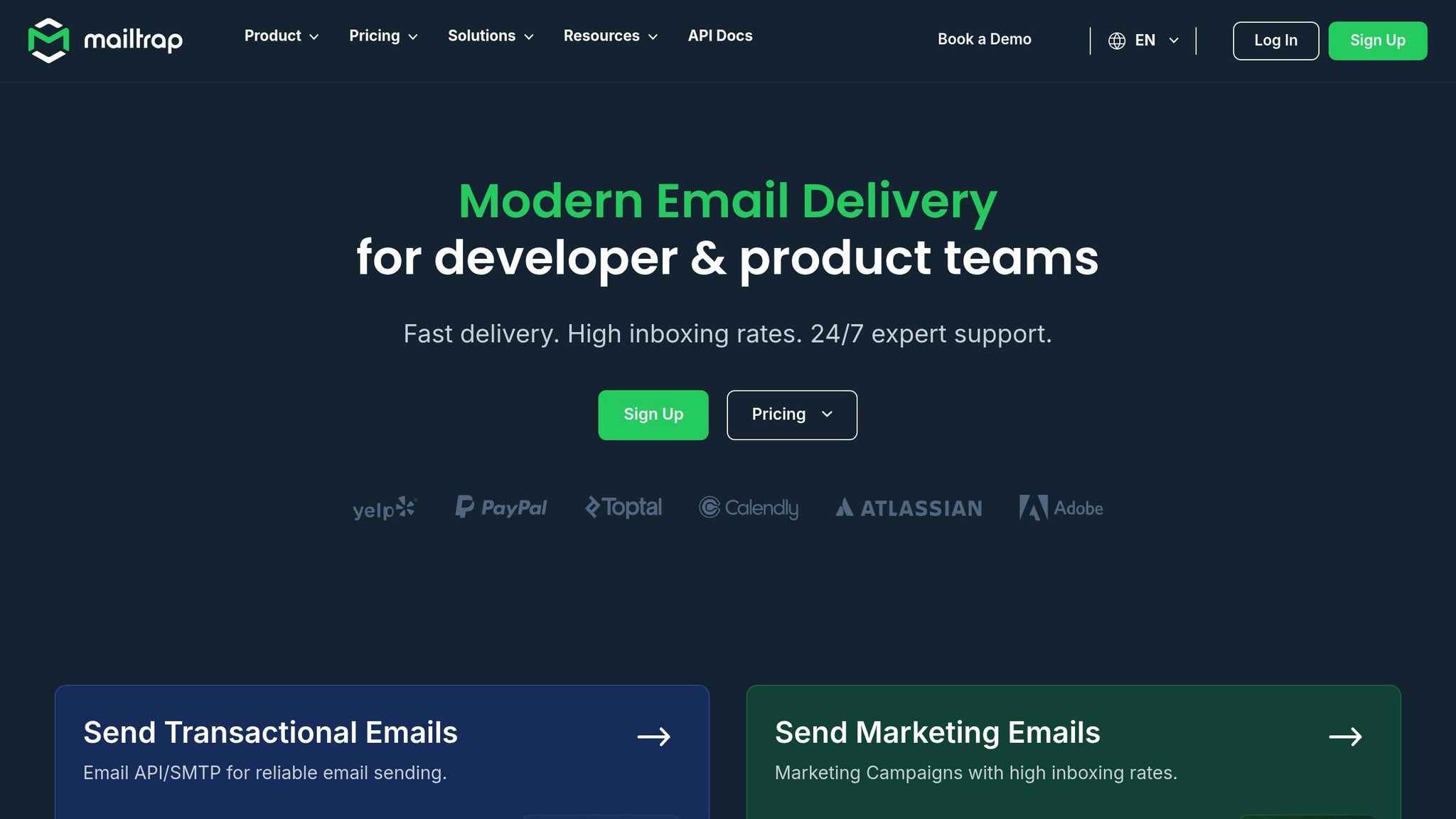
Mailtrap takes a unique approach to email infrastructure monitoring by offering a secure sandbox environment where emails can be captured, inspected, and debugged before they reach production. Designed with developers and QA teams in mind, this platform is perfect for testing transactional emails, user registration processes, and automated notifications - all without jeopardizing sender reputation. By combining email testing tools with deliverability analytics, Mailtrap helps teams identify and address issues early in the development process. Let’s explore how its key features, such as inbox tracking and DNS management, support pre-production email testing.
Inbox Placement Monitoring
With Mailtrap, you get clear visibility into email deliverability and detailed logs of test delivery results. Its Email Sandbox feature allows you to capture outgoing emails in a virtual inbox, where you can thoroughly inspect the content, headers, and authentication settings - without sending anything to actual recipients. This ensures you can catch problems, like emails being flagged as spam or failing to reach the inbox, before they go live.
Mailtrap also evaluates spam scores, highlights potential triggers, and suggests actionable improvements to enhance deliverability.
Authentication and DNS Setup and Management
Mailtrap simplifies email authentication by guiding you through the configuration of SPF, DKIM, and DMARC protocols, ensuring your test emails are properly authenticated right from the start. Beyond monitoring inbox placement, the platform verifies your DNS setup to detect misconfigurations that could affect deliverability. It also reviews email headers for anomalies and performs blocklist checks, giving you a complete overview of your email’s technical health. These features are essential for maintaining a strong sender reputation as you transition to production.
Pricing (in USD)
Mailtrap offers flexible, tiered pricing in US dollars, starting with a free plan ideal for small projects. For larger teams, scalable paid plans provide access to advanced features. All plans include core deliverability tools, making Mailtrap a practical choice for both individual developers and organizations. US-based teams can also take advantage of local data centers and compliance with US regulations.
5. MxToolbox
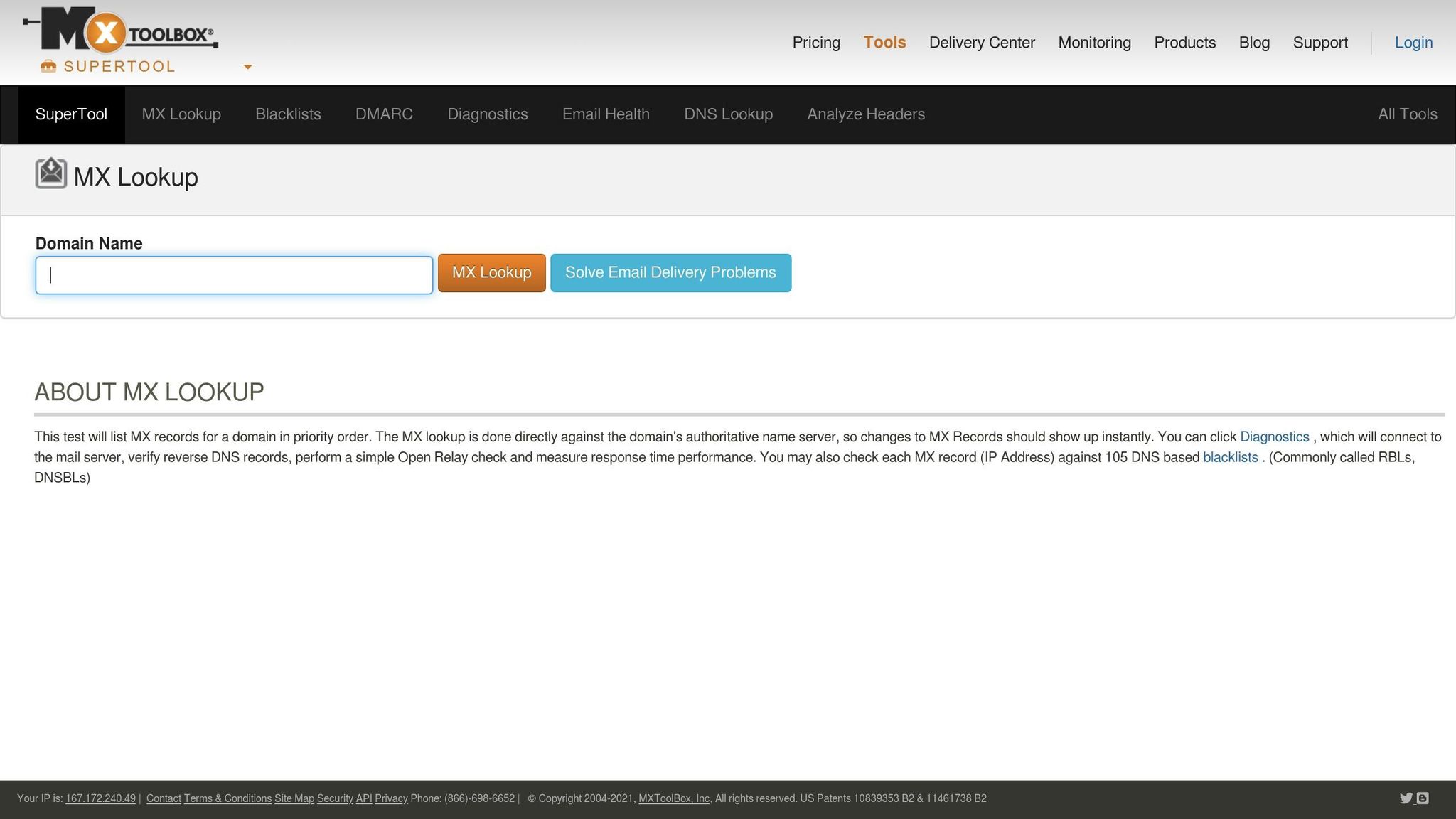
MxToolbox is a powerful email monitoring platform designed for diagnostics, blacklist monitoring, and DNS management. It goes beyond simple deliverability checks by offering detailed DNS diagnostics and real-time monitoring of your email systems. Unlike tools that focus mainly on inbox placement, MxToolbox takes a more technical approach, providing in-depth insights into the infrastructure behind email delivery.
Blacklist and IP Reputation Checks
With MxToolbox, you can monitor IPs and domains for blacklist status across major databases. If an IP or domain gets listed, the tool sends real-time alerts, complete with details about the listing and steps to resolve the issue. These instant notifications help you act quickly to protect your sender reputation and ensure uninterrupted email delivery.
Authentication and DNS Setup and Management
MxToolbox ensures your email authentication records - like SPF, DKIM, and DMARC - are correctly configured and continuously monitored. It also keeps an eye on your DNS setup, identifying misconfigurations or missing records that could compromise email security or delivery. Additional features include monitoring DNS changes, protecting against domain impersonation, and tracking mailflow. These capabilities help maintain a secure and efficient email ecosystem, which is critical for the success of your campaigns.
Pricing (in USD)
MxToolbox offers a range of pricing plans to accommodate different needs. There’s a free plan for basic monitoring, while the Delivery Center plan costs $129/month and supports up to 5 domains and 500,000 messages. For larger operations, the Delivery Center Plus plan is available at $399/month, supporting up to 5 million messages and including advanced threat detection tools. Both paid plans offer customizable alerts and scheduled reporting to keep you informed and in control.
Tool Comparison Chart
Choose the ideal email monitoring tool based on your specific needs, budget, and technical setup. Here's a breakdown of key features to help you decide:
| Tool | Primary Focus | Setup Time | Starting Price (USD) | Platform Support | Best For |
|---|---|---|---|---|---|
| Icemail.ai | Cold email infrastructure & bulk mailbox management | Minutes (automated) | $2/mailbox | Google Workspace, Microsoft 365 | Agencies scaling outreach, bulk operations |
| GlockApps | Deliverability monitoring & spam testing | Minutes | $59/month | All major ESPs, SMTP | Marketers diagnosing delivery issues |
| Mailgun Optimize | Transactional email analytics | 1-2 hours | $35/month | Custom SMTP, API integrations | Developers, high-volume senders |
| Mailtrap | Email testing & safe development | Under 30 minutes | $12.99/month | SMTP, API, CI/CD pipelines | QA teams, developers |
| MxToolbox | DNS diagnostics & blacklist monitoring | Immediate | Free (basic), $129/month | Universal domain/server support | IT administrators, security teams |
Key Feature Comparison
Icemail.ai simplifies email infrastructure with one-click DKIM, DMARC, and SPF setup, a feature unmatched by competitors that rely on manual configuration. It’s particularly strong in bulk mailbox management, making it a go-to for agencies handling large-scale outreach. Meanwhile, Mailtrap caters to developers, offering a safe testing environment to avoid accidental email sends during QA. MxToolbox shines in domain monitoring and blacklist diagnostics, ideal for IT teams managing email security without requiring mailbox provisioning.
When it comes to compliance, Mailgun Optimize leads the pack with SOC 2, ISO 27001, and HIPAA compliance, backed by U.S.-based data centers. On the other hand, Icemail.ai automates compliance setups for authentication protocols, saving time for users. Pricing varies depending on the use case: Icemail.ai's $2 per mailbox is cost-effective for bulk needs, while MxToolbox's free basic plan is perfect for simple monitoring tasks.
Support options also differ. Icemail.ai offers live chat for quick onboarding, while Mailgun Optimize provides 24/7 expert support for complex integrations. Tools like MxToolbox rely on self-service resources, making them better suited for users comfortable with independent troubleshooting.
Icemail.ai is a standout for speed and automation. For example, a U.S.-based marketing agency recently deployed 100 Google Workspace mailboxes using Icemail.ai, cutting onboarding time from several days to under an hour and boosting inbox placement rates by 30%.
For teams focused on diagnostics, MxToolbox provides the technical depth needed to manage intricate email infrastructures. Meanwhile, developers and QA teams will appreciate Mailtrap's secure testing environment, which ensures no emails are accidentally sent during development.
This comparison highlights the strengths of each tool, helping you make informed decisions for your email infrastructure needs.
Final Thoughts
When choosing an email monitoring tool, it’s essential to consider your specific needs, technical expertise, and budget. Icemail.ai emerges as a top choice for cold email outreach, offering automated infrastructure setup in just minutes and a competitive price of $2 per mailbox. Each tool has its strengths, ensuring there’s a perfect fit for every organization.
If your team struggles with deliverability issues, GlockApps is a go-to option. Its inbox placement testing for Gmail, Outlook, and Yahoo, combined with spam trigger and authentication scans, makes it a powerful tool for diagnosing campaigns that fall short of reaching inboxes.
For developer-driven teams, Mailgun Optimize stands out with its technical depth. Its detailed logging and robust API support make it ideal for high-volume senders who need precise control over their email infrastructure. However, its pricing starts at $49/month, making it better suited for organizations with larger budgets and advanced technical requirements.
On the other hand, Mailtrap offers a well-rounded option for QA teams and marketers, providing a secure testing environment and 24/7 expert support. It’s a great choice for those who need reliable monitoring without diving too deep into technical complexities.
For IT administrators managing intricate email systems, MxToolbox delivers extensive DNS diagnostics and real-time blacklist monitoring. Its free basic plan is perfect for simple tasks, while the $129/month Delivery Center plan caters to enterprise-level needs. This tool complements the proactive features of Icemail.ai and the diagnostic focus of GlockApps, offering a well-rounded monitoring solution.
The right tool often depends on your organization’s size and focus. Startups can benefit from Mailtrap’s affordability and versatile features, while mid-sized companies may find Mailgun Optimize’s developer-friendly infrastructure invaluable. Agencies handling large-scale cold outreach will appreciate Icemail.ai’s efficiency in managing bulk mailboxes.
Finally, consider your team’s technical expertise. Non-technical teams will likely prioritize tools with robust support, like Mailtrap’s 24/7 assistance. Meanwhile, technical teams can take full advantage of Mailgun Optimize’s detailed logging and API capabilities. Many organizations find success by pairing a primary infrastructure tool with specialized diagnostic solutions - using GlockApps alongside their main platform ensures top-notch deliverability and performance.
FAQs
What are the main differences between the email infrastructure monitoring tools mentioned, and which one is the best choice for small businesses?
The article explores five popular tools designed to monitor email infrastructure, breaking down their features, pricing, and practical applications. Each tool brings something different to the table - whether it's advanced analytics, seamless integrations, or user-friendly interfaces - catering to a variety of needs. For small businesses, the best choice often hinges on factors like budget, technical know-how, and specific operational goals.
If you're in the market for a premium solution that's both fast and efficient, Icemail.ai deserves a closer look. It streamlines email infrastructure management with standout features like automated DKIM, DMARC, and SPF setup, bulk mailbox purchasing, and effortless 1-click import/export. Its focus on optimized deliverability and swift setup makes it a strong option for small businesses looking to scale their email outreach with minimal hassle. While other tools provide solid alternatives, Icemail.ai consistently earns praise for its performance and intuitive design.
What makes Icemail.ai the best choice for improving email deliverability?
Icemail.ai takes the hassle out of email deliverability by automating essential DNS configurations such as SPF, DKIM, and DMARC. This ensures your emails reach inboxes instead of getting lost in spam folders. With AI-driven domain suggestions and a quick mailbox setup, it’s an excellent choice for businesses that need dependable email infrastructure.
What makes Icemail.ai stand out is its premium service. It offers speedy setup, effortless scalability, and unlimited free mailbox replacements. Backed by official partnerships and glowing reviews, it’s a trusted solution for efficient email outreach and improved deliverability.
What should I look for when selecting an email infrastructure monitoring tool?
When choosing an email infrastructure monitoring tool, it's important to zero in on factors like features, pricing, and how well the tool fits your organization’s specific needs. Look for tools that offer dependable monitoring, an intuitive interface, and detailed reporting options to make your job easier.
If you're searching for a high-performing solution, Icemail.ai is worth considering. It boasts quick inbox setup, glowing user reviews, and a suite of tools tailored to managing email infrastructure effectively. Features like bulk mailbox purchasing, automated DNS configuration, and compatibility with Google Workspace and Microsoft mailboxes make it a solid choice for streamlining cold email campaigns and improving deliverability.