Complete Guide: Build a 3-Channel AI Outbound Agent
Learn how to create a fully automated 3-channel AI outbound agent for email, LinkedIn, and voice to book meetings on autopilot.

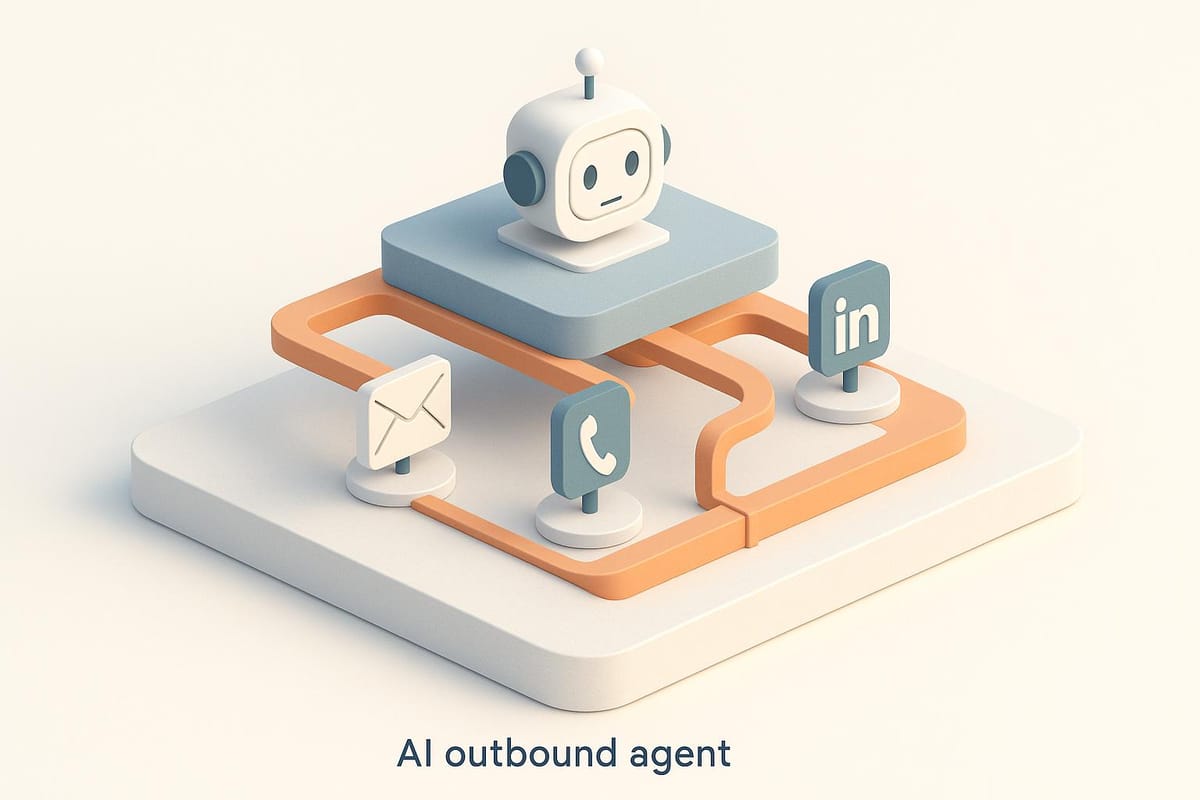
In today’s competitive B2B landscape, sales development representatives (SDRs), agencies, and freelance marketers are under constant pressure to improve outreach efficiency while maintaining a personalized touch. With the advent of AI, the possibilities for streamlining these tasks have grown exponentially. Imagine a system that automates your email, LinkedIn, and voice outreach while maintaining a high level of customization and relevance for each prospect. This transformative guide dives into how you can build a fully automated AI outbound agent spanning three key channels: email, LinkedIn, and voice calls.
This comprehensive tutorial walks you through creating a system that integrates AI to personalize outreach, qualify leads, and book meetings without human intervention. By the end, you’ll have the blueprint for a scalable, cost-efficient outreach machine capable of running on autopilot.
Why a Multi-Channel AI Outbound Agent?
Outreach strategies are most effective when they engage prospects on multiple platforms. By combining email, LinkedIn, and voice calls, you can:
- Reach prospects where they’re most active.
- Increase reply rates by reinforcing messaging across channels.
- Create a seamless, personalized experience for leads.
The integration of AI takes it a step further by automating tasks like personalized messaging and live qualification, enabling SDRs to focus on high-value activities while technology handles the heavy lifting.
How to Build Your AI Outbound Agent
This guide breaks down the process into actionable steps. Follow along to set up your automated AI-powered outreach system.
Step 1: Setting Up AI Tools for Email and LinkedIn Outreach
The foundation of your outbound agent lies in automating email and LinkedIn messaging. Here’s how:
-
Choose the Right Platform
Use an AI-driven platform like Victoria AI to manage your email and LinkedIn sequences. This tool allows you to map fields, upload lead lists, and set up custom outreach flows. -
Upload and Map Leads
Create a lead list with key details like first name, last name, company name, email, LinkedIn URL, and phone number. These fields are critical for tailoring your outreach and ensuring the system can engage across channels.- Example fields: First name → First Name column, LinkedIn URL → LinkedIn field, Company website → Company domain.
-
Enable AI Personalization
Set up AI-driven personalization by instructing the system to scrape LinkedIn profiles and company websites. Create fields such as:- Icebreaker: Personalize the opening message with insights about the lead’s company or achievements.
- Pain Point: Identify the company’s challenges based on their digital presence.
-
Craft Conditional Sequences
Build flexible sequences that adapt based on prospect behavior. For example:- Send a LinkedIn connection request.
- If the prospect accepts, follow up with a personalized LinkedIn message using the AI-generated icebreaker and pain point.
- If no response on LinkedIn, trigger an email outreach instead.
Step 2: Adding AI-Powered Responses to Handle Replies
Once your outreach starts generating responses, the next step is automating follow-ups:
-
Activate the AI Autoresponder
Enable an AI responder to handle replies on LinkedIn and email. Train the system to:- Understand the campaign’s goal (e.g., booking meetings).
- Provide relevant information and address common questions.
- Share booking links (e.g., Calendly) to schedule meetings automatically.
-
Customize Response Parameters
Define how many replies the AI will send per lead and upload supporting documents (e.g., pricing FAQs or product guides) to help the AI handle inquiries effectively.
By automating responses, you save valuable time while ensuring every lead gets immediate attention.
Step 3: Integrating AI Voice Calls with Vappy

Voice calls provide an added layer of warmth and immediacy to your outreach. Here’s how to integrate an AI voice agent:
-
Set Up a Voice Agent in Vappy
Use Vappy to create an AI-powered voice assistant. Configure the assistant with:- A clear script for lead qualification.
- Key variables like the lead’s name and phone number for personalization.
- Instructions to confirm details and share booking links via text.
-
Connect Victoria AI to Vappy
Use webhook integrations to link the two platforms. When a lead responds positively to email or LinkedIn outreach:- Trigger the webhook to alert Vappy.
- Introduce a short delay (e.g., 60 seconds) to simulate a real-time follow-up.
- Automatically call the lead with your voice agent to confirm interest and schedule meetings.
-
Test the Workflow
Validate the system by running test sequences. Ensure the AI generates natural-sounding personalized messages and that the integration between platforms runs smoothly.
Step 4: Monitoring and Optimizing Campaigns
Once your system is live, monitoring performance is crucial. Analyze key metrics like:
- Response rates across email and LinkedIn.
- Meeting conversion rates from AI voice calls.
- Success of personalized messaging (e.g., effectiveness of icebreakers and pain points).
Use A/B testing within your sequences to refine messaging and improve results over time.
Key Takeaways
- Leverage Multi-Channel Outreach: Combining email, LinkedIn, and voice calls ensures you reach prospects on their preferred platforms.
- AI Personalization Is Key: Use scraped data from LinkedIn profiles and websites to craft tailored icebreakers and address pain points directly.
- Automate Follow-Ups: Activate autoresponders to handle replies and ensure every lead receives timely engagement.
- Integrate Voice Calls: Adding AI voice agents like Vappy creates a personal touch, increasing the likelihood of booking meetings.
- Test and Optimize: Regularly analyze campaign results and use A/B testing to refine your sequences for maximum effectiveness.
Real-World Applications for SDRs and Marketers
This system is ideal for sales professionals and agencies looking to scale their outreach while reducing manual labor. Whether you’re managing outreach for your own business or clients, an AI-powered system lets you:
- Handle larger lead volumes without sacrificing quality.
- Boost reply and conversion rates with tailored messaging.
- Save time by automating repetitive tasks like responding to inquiries and scheduling meetings.
The integration of email, LinkedIn, and voice outreach positions you to stand out in a crowded digital landscape, ensuring your messages resonate with prospects and drive measurable results.
Final Thoughts
Building a fully automated 3-channel AI outbound agent is no longer a futuristic dream - it’s a practical, actionable solution for modern outreach challenges. By harnessing the power of AI, you can create a system that not only scales but also delivers personalized, impactful engagement at every touchpoint.
Start implementing this framework today to transform your outreach strategy, reduce operational overhead, and unlock new levels of productivity. With AI by your side, the future of sales and marketing is here, and it’s automated, efficient, and incredibly effective.
Source: "How I Built a Fully Automated Outbound AI Agent (Cold Email + LinkedIn + Voice Calls)" - Alex Leischow, YouTube, Oct 24, 2025 - https://www.youtube.com/watch?v=WfYjE9ibbIM